Map Before You Build: How to Write Down the Way Work Really Flows in Your Business
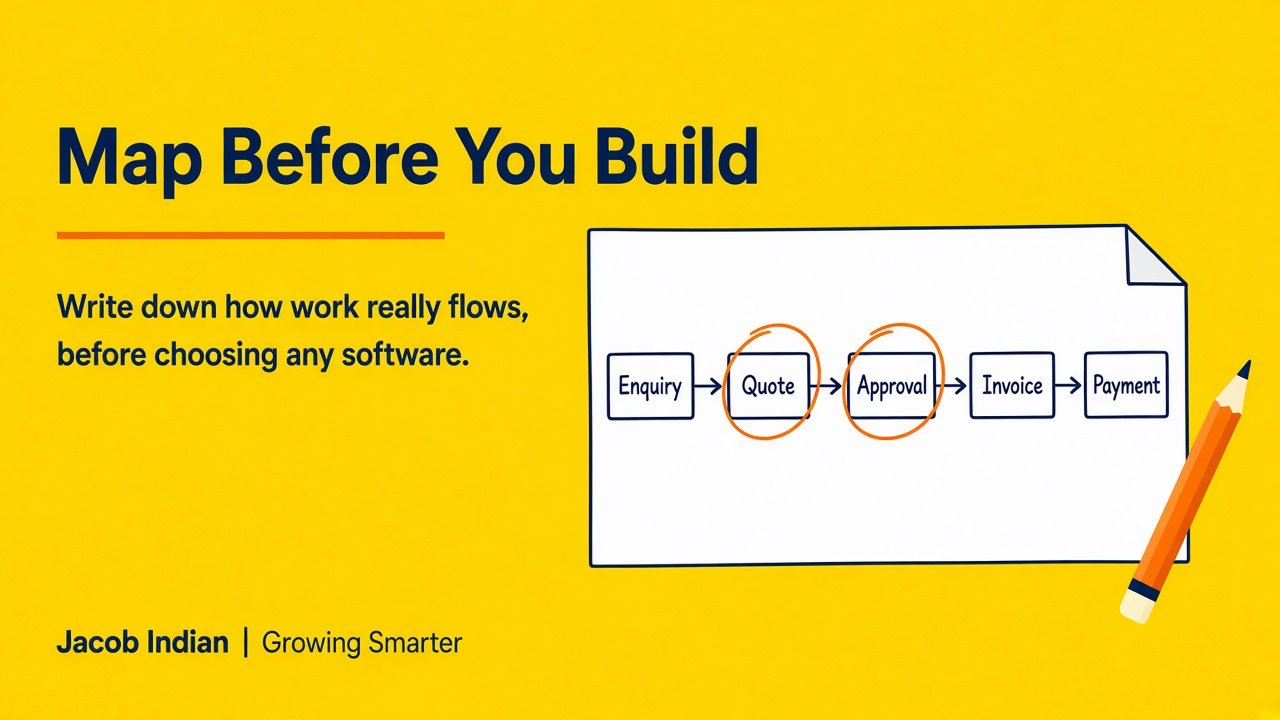
Before you buy or build any software, map how work actually moves through your business. Here's a simple one-page way to do it.
Growing Smarter #005 · Reality of Growing Businesses
Most growing businesses come to software with a question like “Which system should we buy?” or “Can you build us an app?”
That's a fair place to start. But there's a better first question, and it costs nothing to answer:
Not how it's supposed to move. Not how the old process document says it moves. How it really moves: who touches it, where the information sits, and where it waits.
In The Hidden Cost of Manual Operations, we said that automating a poorly designed process only gives you a faster poorly designed process. This article is the practical follow-up: a simple way to map your workflow before you spend a rupee on software.
Why Mapping Comes First
Every business already has a system.
It might be spread across Excel, WhatsApp, a notebook and the owner's memory, but it's there. Work gets done.
The trouble is that much of it is invisible. When you try to buy software or explain what you need, you end up describing the tool you think you want instead of the problem you actually have.
A workflow map fixes that. It gives you:
- A shared picture your team agrees on
- A clear view of where time is lost
- A way to compare any software, off-the-shelf or custom, against how you really work
- A much better brief if you decide to build something
It's also the clearest way to see whether you have a software problem at all. Sometimes the fix is a clearer responsibility or one fewer approval step, not a new system.
Pick One Flow, Not the Whole Business
Don't try to map everything at once.
Pick one flow that matters and that causes regular friction. For many SMEs, good candidates are:
- Enquiry to quotation to order
- Order to delivery
- Invoice to payment received
- Purchase request to approval to stock received
- A new customer or new employee getting set up
Choose the one people complain about most.
If you're not sure, ask your team: “Which question do you ask each other most often?”
The answer usually points straight at the flow that needs mapping.
Step 1: List the Steps as They Really Happen
Sit with the people who actually do the work. Not just the managers.
Start at the trigger (a customer calls, an order arrives) and walk through to the end, writing each step on its own line.
Keep it plain. For example:
- Customer sends an enquiry on WhatsApp
- Sales person notes it in a spreadsheet
- Sales person prepares a quotation in Excel
- Quotation goes to the owner for approval
- Owner approves, or asks for changes
- Quotation is emailed to the customer
- Customer confirms over the phone
- Accounts creates an invoice, retyping the details
Don't tidy it up.
Step 2: Mark Who Does Each Step and Where the Information Lives
Next to each step, write two things:
- Who does it (a role, not just a name)
- Wherethe information is kept (Excel, WhatsApp, email, paper, someone's head)
This is often where the surprises appear.
You may find the same customer details living in four different places, or a step that only one person knows how to do.
That second one connects to what we wrote in Is Your Business Running You?: if a step lives only in someone's memory, the business depends on that person being available.
Step 3: Circle the Friction
Now go through the list with a pen and mark four kinds of friction:
- Re-entry: the same information is typed in again
- Waiting: work sits until someone approves, replies or checks
- Searching: someone has to hunt for the latest version or status
- Memory: the next step only happens if someone remembers
Don't try to put a number on it if you don't have one. Just mark it.
A map with circles all over steps 3 to 8 tells you more than any guess at “hours lost”.
If most of your circles land on spreadsheets, Why Excel Becomes a Bottleneck is worth a read next.
Step 4: Write What You Wish Happened
Finally, write a second, shorter version: the flow as you'd like it to be.
Keep it practical. For example:
- Enquiry is logged once, with the customer's details
- Quotation is created from that record
- Approval happens in one place, with a clear status
- Approved quotation becomes an invoice without retyping
- Everyone can see what's pending and what's paid
Notice that this version doesn't name any software.
What the Map Tells You
Once you have a “today” map and a “wish” map side by side, a few things usually become clear.
Some fixes need no software at all
A clearer owner for each step, or one fewer approval layer, can remove a lot of friction on its own.
Some fixes fit a standard tool
If your flow is fairly common and a product handles it well without forcing you to change how you win, that may be the simplest answer.
Some flows are genuinely yours
The way you price, approve, schedule, deliver or follow up may be part of why customers choose you. Forcing that into a generic template can flatten exactly what makes you different. We wrote about this in Your Business Isn't Off-the-Shelf. Why Should Your Software Be?.
That third group is where custom software earns its place.
How We Use Maps at Jacob Indian
When a business talks to us at Jacob Indian, this is roughly where we begin.
We sit with your team, map how work really flows today, and agree on what should change. Only then do we design software around that process.
We don't start with a fixed list of modules. We start with your map.
The software we build follows your workflow, removes the re-entry, waiting, searching and memory that you circled, and leaves alone the parts that already work well.
If you've done the mapping exercise above, you'll already have most of what a good first conversation needs.
Start With One Page
You don't need a consultant, a project plan or a budget to begin.
You need one flow, one sheet of paper and an honest hour with the people who do the work.
That page will show you where your business is quietly losing time, and it will make any decision about software, bought or built, far easier.
It's also a small step toward the kind of operational freedom we described in Independence for Your Business.
Ready for the Next Step?
If you'd like a structured way to see whether your business is ready for better systems, take our free 5-minute Systems Readiness Checklist.
And if you already have a map, or a flow that keeps causing trouble, we'd be glad to look at it with you. Book a consultation.
Growing Smarter is a series by Jacob Indian exploring the realities of growing businesses, business systems and the operational challenges that appear as companies scale.
Jacob Indian — Helping Businesses Grow Smarter.
Not sure where to start? Download our free Systems Readiness Checklist or book a consultation.
Related posts

Is Your Business Running You?
There is a stage when you still run the business—but the business also starts running you. How to recognize owner dependency, and build processes that create capacity instead of chaos.

Independence for Your Business: Freedom to Grow Without Being Trapped in Operations
This Independence Day, another kind of freedom: run your business without your business constantly running you. Operational independence for growing SMEs.
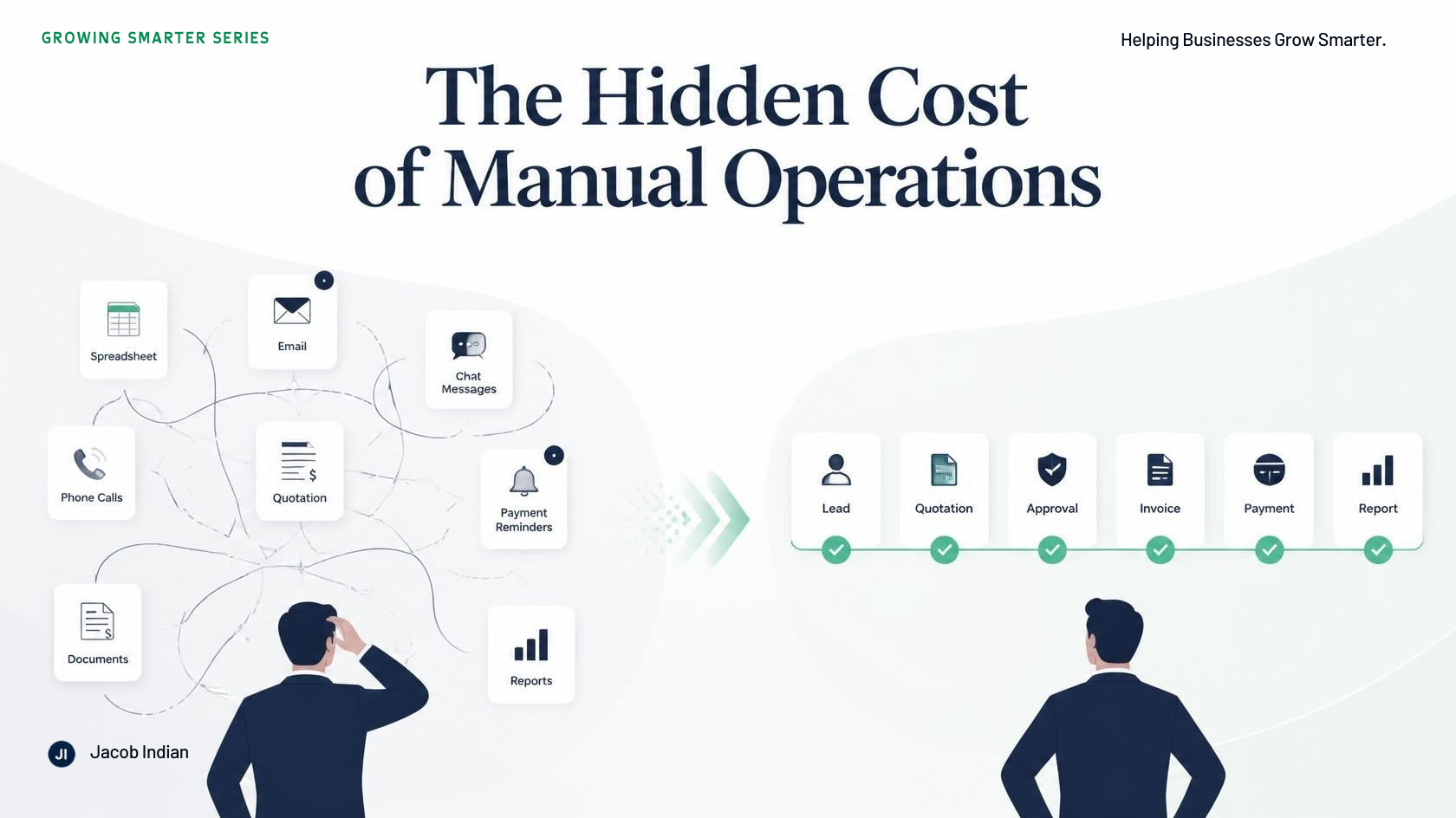
The Hidden Cost of Manual Operations
Manual work feels fine when you are small—until growth multiplies the same tasks. The hidden cost of manual operations, and why better systems beat working harder.